
GitHub for teams
Give your team everything they need to ship: automated CI/CD, dependency security from Dependabot, and the world's largest developer community — all in one place.
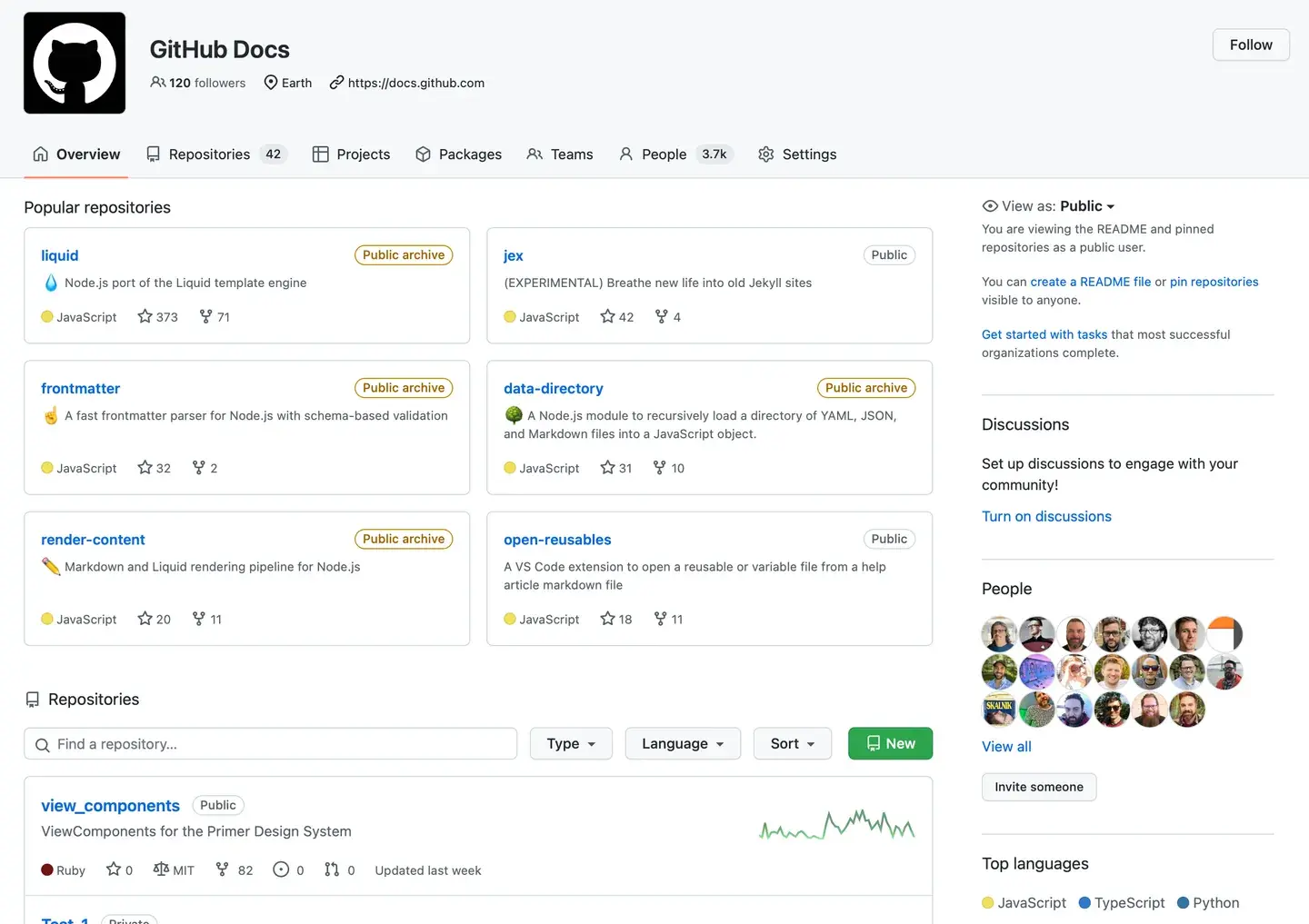
180M+ developers | 1B+ contributions | 4M+ organizations
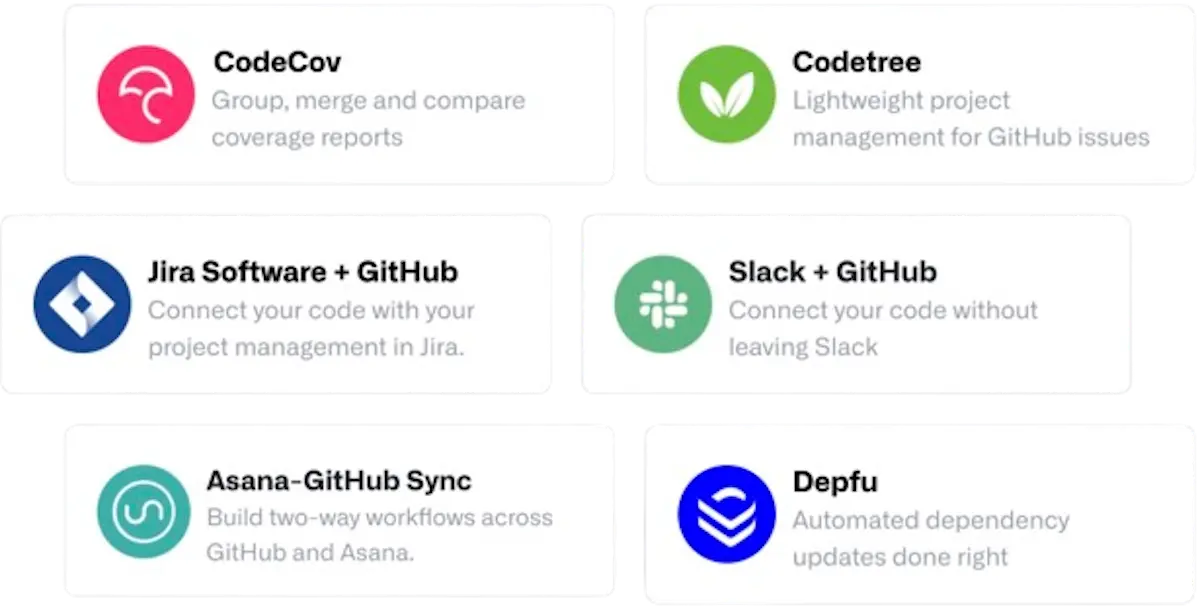
Connect your favorite tools
Build the way that works best for you with support for all your go-to integrations, including Slack, Jira, and more.
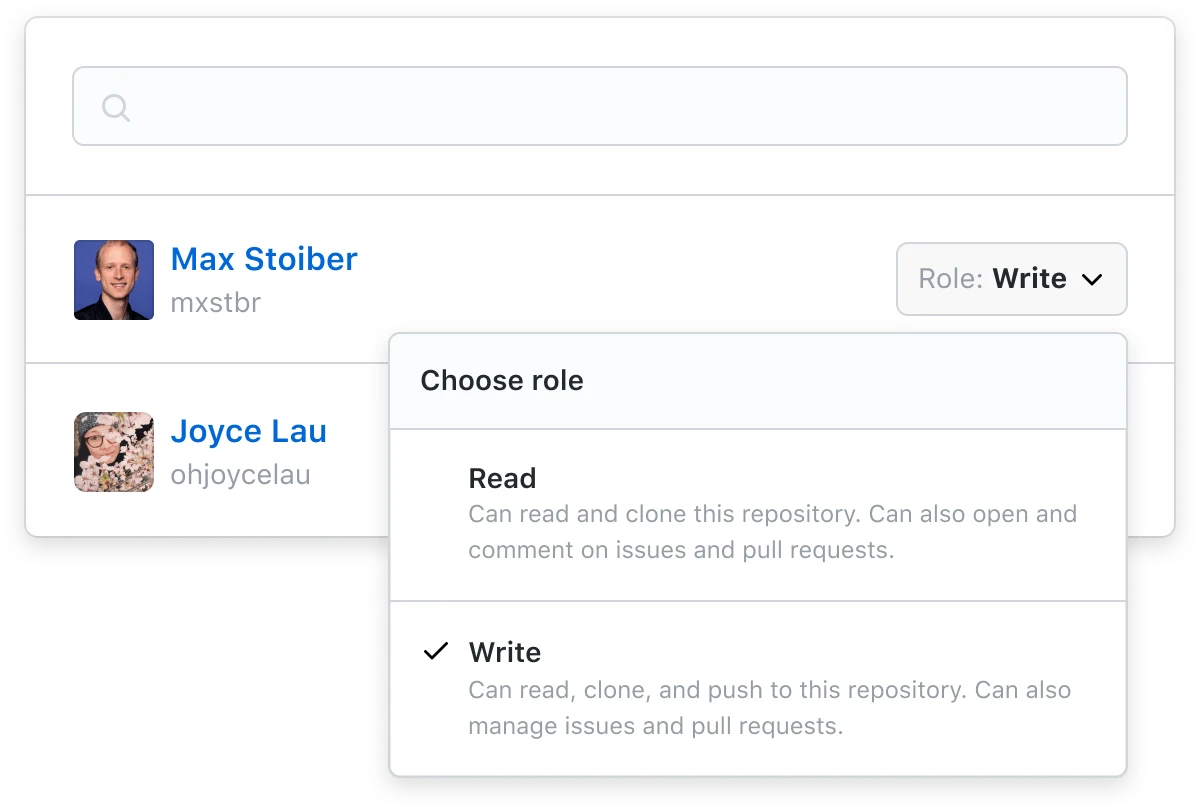
Add your team in a click
Seamlessly update permissions and add new users as you build, whether you're on a team of two or two thousand.
Speed up code review
Step up your code quality with code review tools that fit right into your workflow.
Build CI/CD workflows that work for you
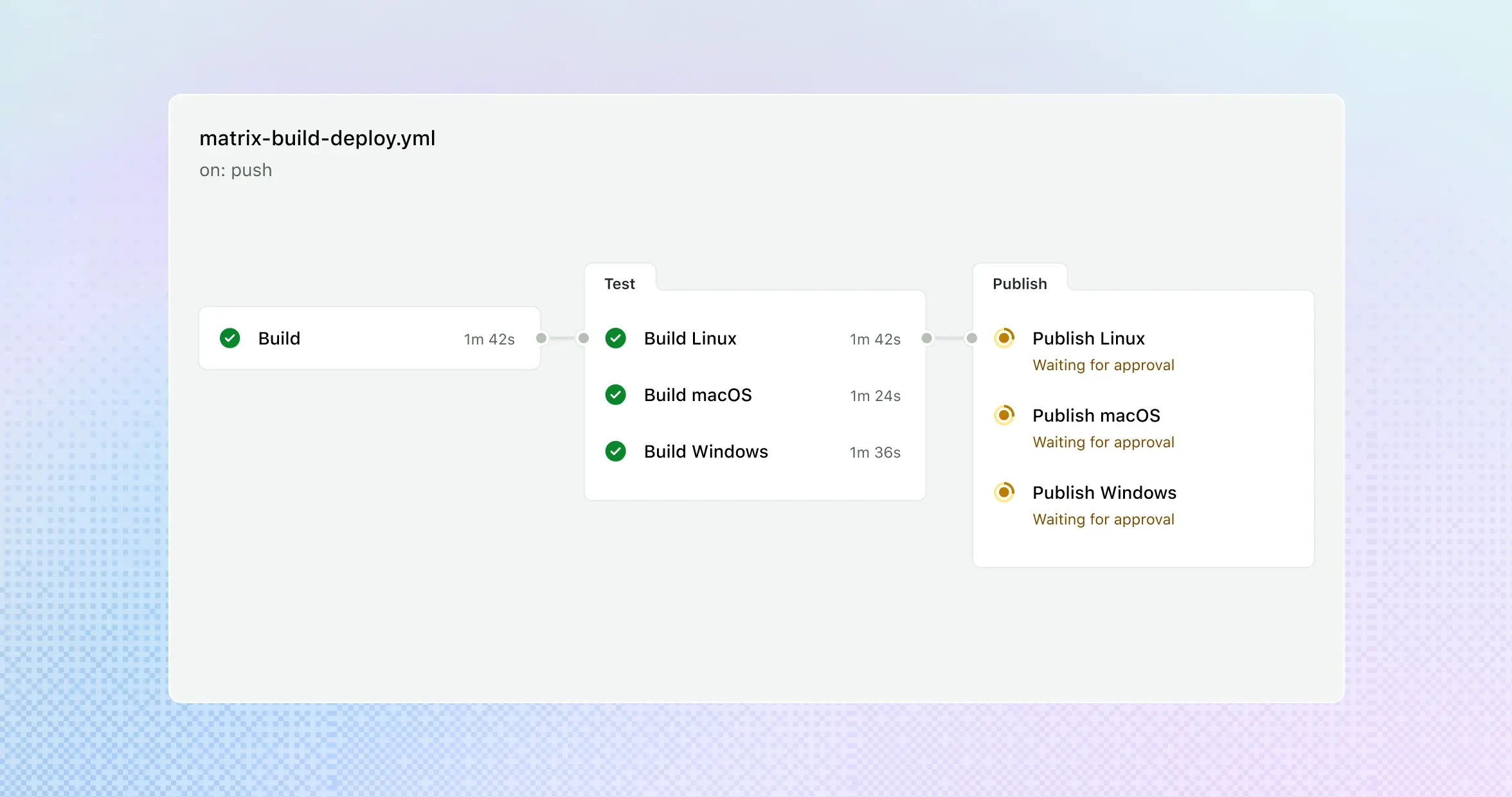
Streamline your CI/CD: Build, test, and deploy projects on any OS, language, or cloud.
- Choose from thousands of actions: Find community-built GitHub Actions workflows on GitHub Marketplace, or build your own.
- Respond to GitHub events: Trigger workflows based on GitHub events, including push, issue creation, new releases, and more.
Stay focused on development
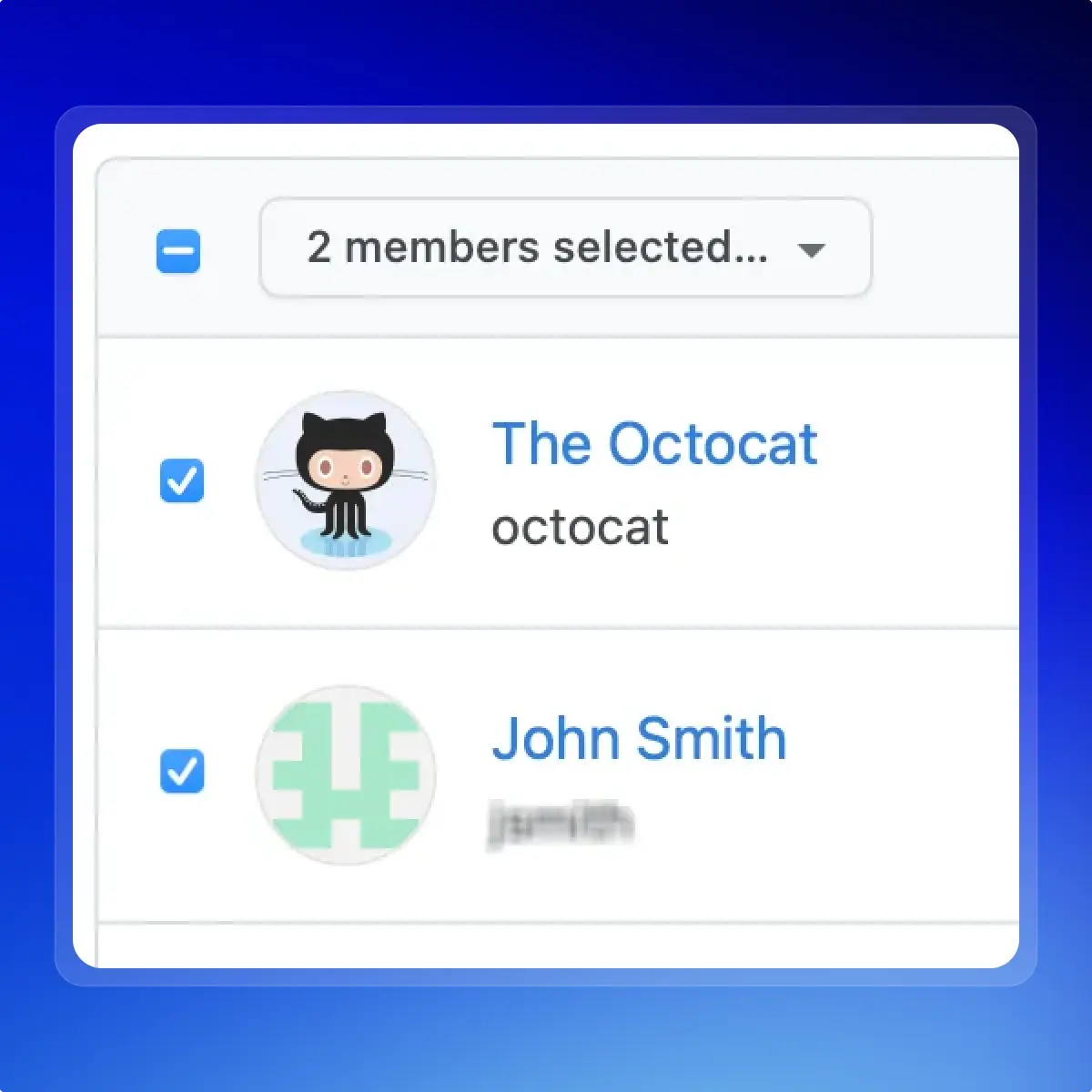
Grant the right access to your team
Easily grant, limit, or revoke access for collaborators inside and outside your company.
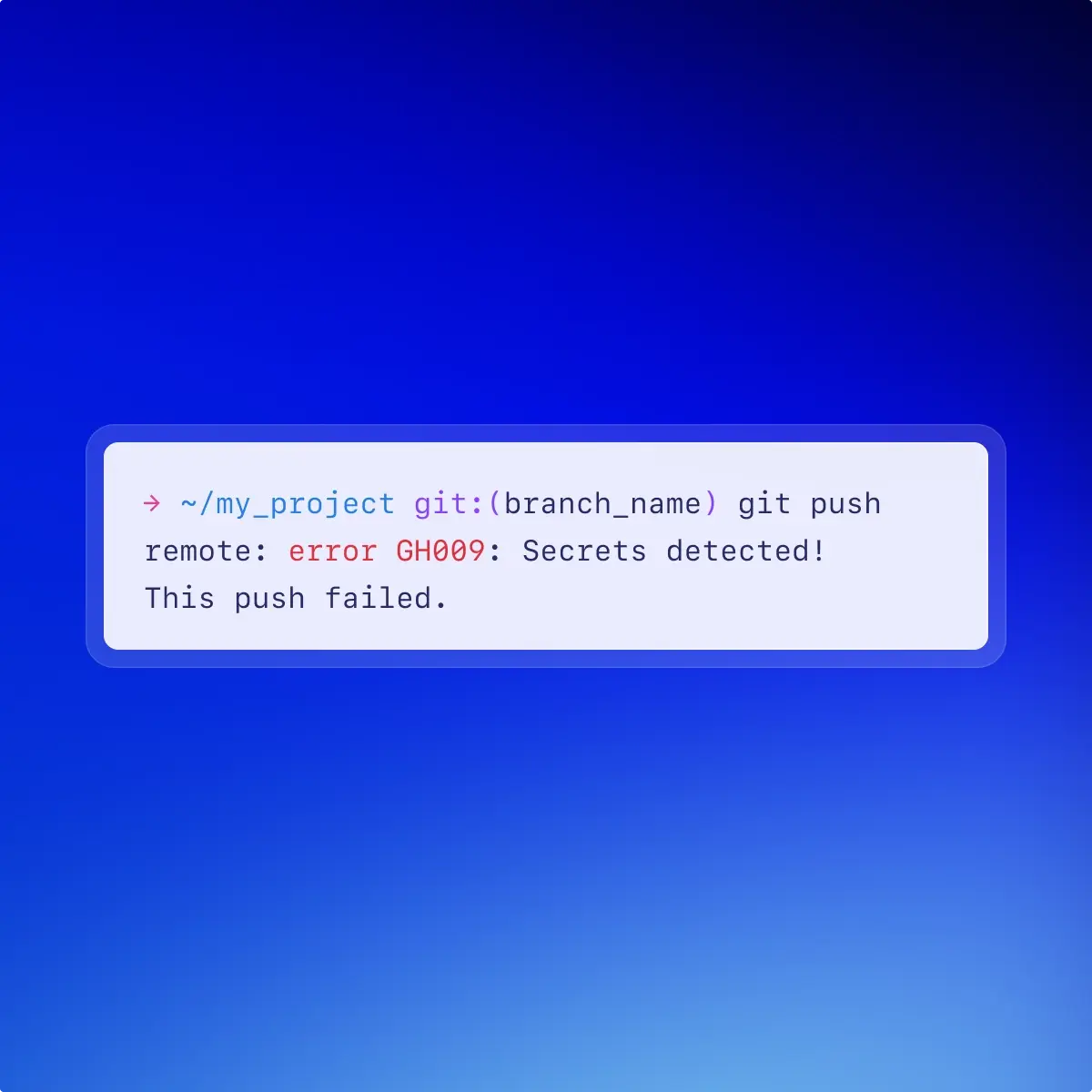
Keep secrets safe
Get alerts when secrets are committed to your repositories—and notify over 30 cloud service providers automatically.
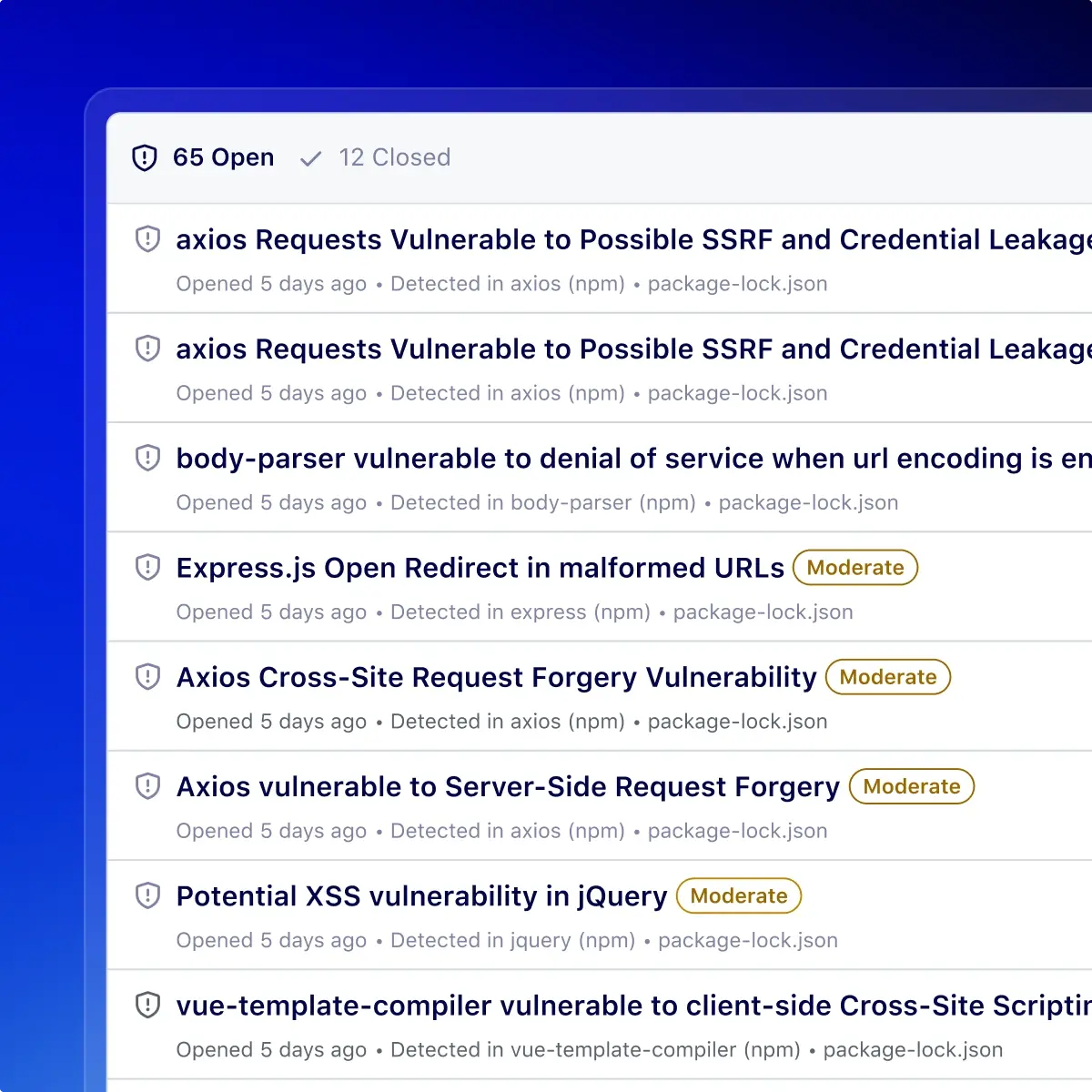
Find vulnerable dependencies
Scan your dependencies automatically. When a vulnerability is found, we'll open a pull request with suggested fixes.
As a team, we're way more confident that we're in tune. We can all see our work, feedback, and roadmap going through GitHub.
— Lee Adkins, Head of Engineering, Peak Money
Pricing
GitHub Free
Basics for teams and developers
$0 USD
- Unlimited public/private repositories
- 2,000 Actions minutes/month
- 500MB of GitHub Packages storage
- Dependabot
- Community Support
GitHub Team
Advanced collaboration and deployment features for teams
$4 USD per user / month
Everything included in Free, plus:
- 3,000 Actions minutes/month
- 2GB of GitHub Packages storage
- GitHub Codespaces
- Protected branches
- Multiple reviewers in pull requests
- Code owners
- Draft pull requests
- Required reviewers
- Pages and Wikis
- Web-based support
Need SAML, self-hosting, or priority support? Learn more about GitHub Enterprise